
Digital technology is transforming how K–12 schools communicate with parents, manage classrooms, track attendance, share academic updates, and support students. Mobile applications have become an important part of this transformation, connecting teachers, administrators, parents, and students through a single digital platform.
However, these applications also handle some of the most sensitive information an organisation can manage: children's personal data. Student names, dates of birth, photographs, attendance records, academic performance, health information, parent contact details, and location-related information all require careful protection.
For schools and education technology providers, building a successful mobile app is no longer just about delivering useful features. It is equally important to build a secure platform that respects privacy, limits unnecessary data collection, and follows applicable data protection requirements.
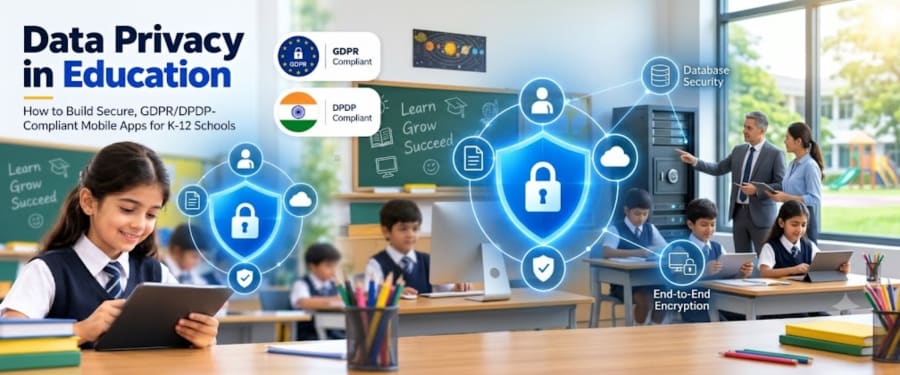
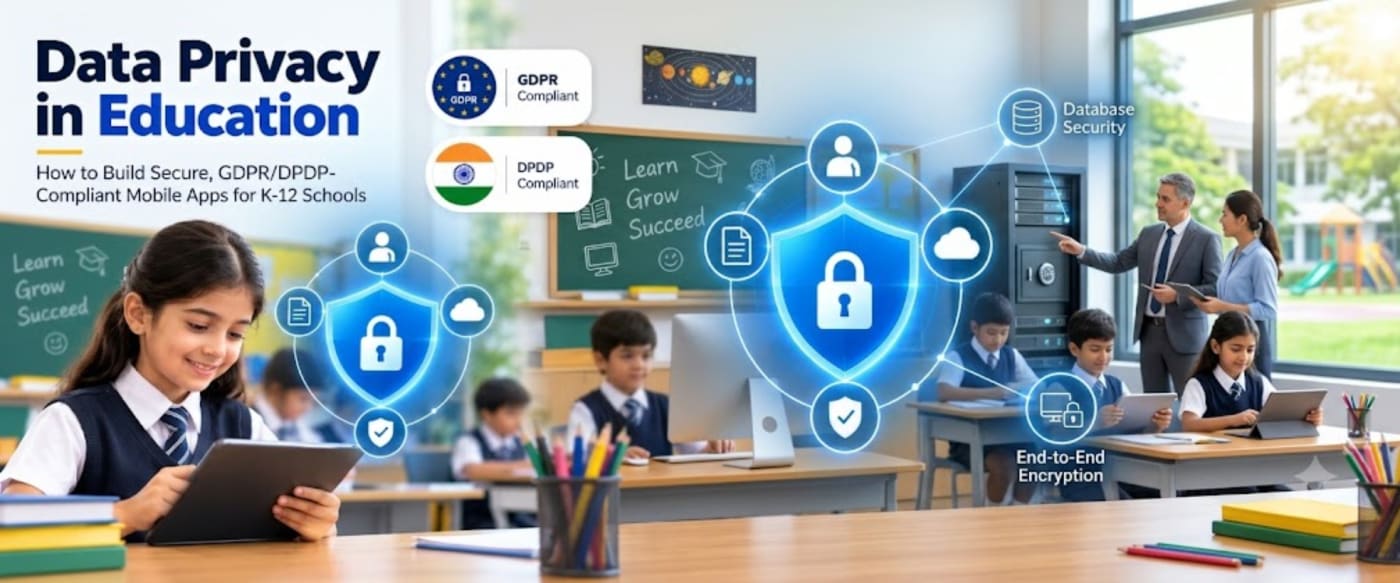
Data privacy in education must be considered from the earliest stages of application planning and development. This guide explains the technical safeguards, security architecture, and compliance considerations involved in building GDPR- and India's DPDP-aligned mobile applications for K–12 schools.
Why Student Data Privacy Matters in K–12 Education
Children are particularly vulnerable to the consequences of personal data misuse. Unlike adults, they may not fully understand how their information is collected, shared, stored, or used. A data breach involving a school application can expose personal details, disrupt school operations, damage institutional trust, and potentially put students at risk.
A school mobile app may process several categories of information, including:
- Personal information: Student names, dates of birth, photographs, addresses, and identification details.
- Academic information: Grades, examination results, assignments, progress reports, and teacher feedback.
- Attendance records: Daily attendance, absence history, late arrivals, and leave requests.
- Parent and guardian information: Contact details, authorised pickup information, and communication preferences.
- Health and emergency information: Relevant medical conditions, allergies, emergency contacts, and care instructions.
- Digital activity information: Login records, device information, application usage, and access logs.
- Location information: Transport routes, bus tracking, and authorised pickup or drop-off updates.
Not every school application needs to collect all these details. The first step towards protecting student privacy is understanding exactly what information the app requires and why.
Understanding GDPR and India's DPDP Act
Schools developing digital platforms for different regions must understand the data protection laws that may apply to their operations. Two important frameworks are the European Union's General Data Protection Regulation (GDPR) and India's Digital Personal Data Protection (DPDP) Act, 2023, together with the DPDP Rules, 2025.
1. GDPR: Protecting Personal Data in the European Union
The GDPR establishes requirements for organisations that process personal data within its scope. It can also apply to organisations outside the European Union when they offer goods or services to individuals in the EU or monitor their behaviour there.
For school applications, important GDPR principles include:
- Lawfulness, fairness, and transparency: Personal data must be processed on a valid legal basis, with clear information about how it is used.
- Purpose limitation: Data should be collected for specific, legitimate purposes and not reused for incompatible purposes.
- Data minimisation: Applications should collect only the information necessary for their intended functions.
- Accuracy: Student and parent records should be maintained accurately and updated when necessary.
- Storage limitation: Personal information should not be retained longer than necessary for its purpose or applicable legal obligations.
- Integrity and confidentiality: Appropriate technical and organisational measures must protect information against unauthorised access, loss, or damage.
- Accountability: Schools and other responsible organisations must be able to demonstrate compliance.
GDPR also includes specific protections for children. Article 8 addresses parental authorisation when consent is the legal basis for certain online services offered directly to children. The default age threshold is 16, although EU Member States may lower it to no less than 13. Importantly, parental consent is not automatically the legal basis for every school-related processing activity; the appropriate legal basis must be assessed for each purpose.
Official reference: EU General Data Protection Regulation (GDPR).
2. India's DPDP Act, 2023 and DPDP Rules, 2025
India's Digital Personal Data Protection Act, 2023 establishes a framework for processing digital personal data. The DPDP Rules, 2025 provide further operational requirements, including safeguards for children's information.
Under the Act, a child is an individual who has not completed 18 years of age. Section 9 establishes requirements for verifiable parental consent before processing a child's personal data, subject to specified exemptions and the applicable provisions of the law.
The Rules describe how organisations can verify parental consent, including through reliable identity and age details or authorised verification mechanisms.
The framework also provides limited exemptions for certain educational activities and child-safety purposes. For example, specified educational institutions may process children's data for educational tracking and behavioural monitoring, and may track a child's location during school transport for safety. These are defined exemptions, not a general permission to monitor children or collect unlimited information.
Important implementation timeline: India's DPDP framework has a phased commencement schedule. As of October 2026, several substantive obligations under the Act and Rules are scheduled to commence 18 months after the November 2025 notification, on 13 May 2027. Other provisions have earlier commencement dates. Schools and technology providers should review the official notifications and prepare ahead of the applicable dates rather than assume that every provision is already in force.
Official references:
Essential Security Measures for School Mobile Apps
Legal compliance must be supported by practical technical controls. A privacy policy is important, but it cannot protect student information if the application has weak authentication, excessive permissions, insecure APIs, or poorly configured databases.
The following safeguards should be considered during the design and development of a secure school mobile application.
1. End-to-End Encryption and Data Encryption
Encryption is one of the most important ways to protect student information. It converts readable information into an encoded format that cannot be understood without the appropriate cryptographic key.
For a school mobile app, encryption should be considered at multiple levels:
- Encryption in transit: Use HTTPS with modern TLS configurations to protect information exchanged between mobile devices, application servers, and APIs.
- Encryption at rest: Encrypt databases, backups, file storage, and other locations where sensitive information is stored.
- Device-level protection: Use secure operating-system storage for tokens and sensitive local information. Avoid storing passwords or unnecessary student records directly on devices.
- Key management: Protect encryption keys using a managed key management system, restrict access, and establish rotation and recovery procedures.
End-to-end encryption can provide additional protection for private communications, such as messages between parents and teachers, where the product's requirements support it. However, it is important to distinguish end-to-end encryption from ordinary encryption in transit and at rest.
Some school workflows require authorised administrators to retrieve records, investigate safeguarding concerns, or preserve information according to school policies and legal requirements. In those cases, the architecture must carefully balance confidentiality, controlled access, and legitimate operational needs. Encryption should be selected according to the threat model and the purpose of each feature.
2. Role-Based Access Control (RBAC)
A school application may have several types of users, each requiring access to different information. A parent should be able to view their own child's records, while a teacher may need access to the students in their assigned classes. Administrative staff may require broader permissions for specific school operations.
Role-Based Access Control (RBAC) assigns permissions based on a user's defined role. This helps ensure that users can access only the functions and information required for their responsibilities.
| User role | Appropriate access |
|---|---|
| Student | Own timetable, assignments, learning resources, and permitted academic information. |
| Parent or guardian | Records and updates for the child or children linked to the verified account. |
| Teacher | Assigned classes, attendance, academic records, and relevant parent communication. |
| School administrator | Authorised student, staff, academic, and operational management functions. |
| Transport coordinator | Relevant transport assignments, routes, and authorised safety information. |
| Technical support | Limited system diagnostics and support access without unnecessary exposure to student records. |
RBAC should be enforced on the server, not only through buttons or screens displayed in the mobile app. Hiding an administrative feature from a user interface does not prevent someone from attempting to access its API directly.
For stronger protection, combine RBAC with:
- Least-privilege access: Grant only the permissions necessary for a user's job.
- Record-level authorisation: Check whether a parent, teacher, or administrator is entitled to access the specific student record requested.
- Multi-factor authentication: Require additional verification for sensitive staff and administrator accounts.
- Session management: Expire inactive sessions and revoke access when accounts or roles change.
- Periodic permission reviews: Remove outdated access when teachers change classes or employees leave the school.
3. Secure Authentication and Account Management
Weak passwords and compromised accounts can expose large amounts of student information. A secure authentication system should be designed to protect users while keeping the application accessible to parents, teachers, and school staff.
Recommended controls include:
- Secure password hashing using established algorithms such as Argon2id or bcrypt.
- Multi-factor authentication for privileged and high-risk accounts.
- Secure password reset and account recovery processes.
- Rate limiting and protection against automated login attempts.
- Session expiration, token rotation, and secure logout.
- Monitoring for unusual login activity and suspicious access patterns.
Schools should also establish clear account lifecycle procedures. When a student transfers, a parent account changes, or a staff member leaves, the related permissions and access credentials should be reviewed and updated promptly.
4. Secure APIs and Backend Architecture
Mobile applications rely on APIs to exchange information with servers. These APIs may handle attendance updates, examination results, fee payments, messages, student profiles, and transport information.
An insecure API can expose sensitive records even when the mobile application itself appears secure. Every API request should therefore undergo authentication, authorisation, input validation, and appropriate rate limiting.
Important API security practices include:
- Use HTTPS for all application communication.
- Validate every request on the server.
- Enforce object-level permissions to prevent access to another student's records.
- Apply rate limits to sensitive endpoints.
- Validate file uploads and restrict file types and sizes.
- Keep API credentials and secrets out of mobile application source code.
- Use secure error handling that does not expose internal system details.
- Maintain API versioning and regularly update dependencies.
A secure backend should also separate production, testing, and development environments. Real student data should not be casually copied into test environments.
5. Data Minimisation and Privacy by Design
One of the most effective ways to reduce privacy risk is to avoid collecting information that the application does not need.
For example, a timetable feature may require a student's class and schedule, but it does not necessarily require continuous location access. A fee management feature may need payment status and transaction references, but it should not store complete payment card details unless there is a properly designed and justified payment architecture.
Privacy by design means considering data protection throughout the development lifecycle rather than adding security features after the application is complete.
Development teams should:
- Identify the purpose of every data field and feature.
- Collect only the information necessary for that purpose.
- Use pseudonymous identifiers where practical.
- Restrict sensitive information in notifications and email previews.
- Define retention periods for each category of data.
- Provide processes for correcting and deleting information where applicable.
- Review third-party SDKs, analytics tools, and advertising components before integration.
For school applications, privacy-friendly defaults are particularly important. Features such as public student profiles, unnecessary location tracking, or broad sharing of student photographs should not be enabled by default.
Protecting Student Data Across Different App Modules
A K–12 school platform may include multiple modules. Each module introduces different privacy and security considerations.
Student Information Management
Student profiles may contain names, contact information, academic details, photographs, and other personal records. Access should be limited to authorised users, and sensitive fields should receive appropriate protection.
Attendance and Academic Records
Attendance, grades, assessments, and teacher feedback should be accessible only to users with a legitimate educational role. Record-level permissions should prevent parents from viewing information belonging to other students.
Parent-Teacher Communication
Messaging features should protect private conversations and prevent accidental disclosure. Notifications should avoid displaying sensitive academic, health, or personal information on a locked device screen.
School Transport and Location Tracking
Transport tracking can help parents receive useful safety updates. However, location information is sensitive and should be collected only when necessary for the transport service or an applicable safety purpose.
Limit access to authorised parents and transport staff, avoid unnecessary historical location retention, and define when tracking starts and stops. Schools should also review the legal basis and any applicable child-specific exemptions before implementing such features.
Fee Management and Online Payments
Payment modules should use reputable payment gateways and avoid storing sensitive payment credentials unnecessarily. Access to fee records should be limited to the relevant parent or guardian and authorised finance staff.
Data Breach Prevention, Monitoring, and Incident Response
Even well-designed applications need a plan for security incidents. A compromised staff account, exposed database, stolen device, or vulnerable software component can create a risk to student information.
Schools and their technology providers should establish a structured incident response process.
1. Maintain Security Logs
Record important security events such as successful and failed logins, permission changes, sensitive record access, administrative actions, and unusual API activity. Logs should be protected from unauthorised modification and should not unnecessarily contain passwords, authentication tokens, or full sensitive records.
2. Monitor Suspicious Activity
Monitoring systems can help identify unusual access patterns, repeated failed login attempts, unexpected downloads, or changes in account privileges. Alerts should be directed to the appropriate security or administration team.
3. Maintain Secure Backups
Backups help schools restore information after accidental deletion, system failures, or cyber incidents. They should be encrypted, access-controlled, tested regularly, and protected against unauthorised modification or ransomware.
4. Establish a Breach Response Plan
The school and its technology provider should know who is responsible for investigating an incident, containing the threat, assessing affected data, communicating with stakeholders, and meeting applicable notification requirements.
Under GDPR, a personal data breach generally must be reported to the relevant supervisory authority within 72 hours of awareness where the breach is likely to result in a risk to individuals' rights and freedoms. Where the breach is likely to result in a high risk, affected individuals must also be informed without undue delay, subject to applicable exceptions.
India's DPDP Rules, 2025 also establish breach notification requirements, with their commencement following the phased timeline. Schools should prepare their response procedures in advance and check the applicable requirements at the time of an incident.
Third-Party Integrations: An Often-Overlooked Privacy Risk
School apps frequently connect with external services such as cloud hosting platforms, analytics tools, payment gateways, video conferencing services, messaging providers, and learning management systems.
These integrations can improve functionality, but they may also create additional data flows and security risks.
Before integrating an external service, evaluate:
- What student or parent information will be shared?
- Is the information necessary for the integration?
- Where will the data be processed and stored?
- What security controls does the provider offer?
- Does the provider support appropriate contractual data protection terms?
- How are data retention, deletion, and breach notifications handled?
- Are international data transfers involved, and what safeguards are required?
Schools should maintain an inventory of vendors and integrations. Under GDPR, processor relationships require appropriate contractual arrangements. Under India's DPDP framework, organisations should also understand their responsibilities when processing is carried out by a data processor on their behalf.
Security Testing Before Launch
A school mobile application should undergo security testing before it is released to students, parents, and staff. Testing should continue as the platform evolves, especially when new modules, integrations, or user roles are introduced.
A practical testing programme may include:
- Vulnerability assessment: Identify outdated dependencies, exposed services, insecure configurations, and known weaknesses.
- Penetration testing: Assess whether an attacker could bypass authentication, access unauthorised records, or exploit application weaknesses.
- API security testing: Check authentication, record-level permissions, input validation, and rate limiting.
- Mobile application testing: Review local data storage, permissions, session handling, and protection against reverse engineering or tampering where appropriate.
- Access control testing: Verify that each user role can access only the information and features it is authorised to use.
- Backup and recovery testing: Confirm that the school can restore services and information after a disruption.
Security testing should be documented, and identified issues should be prioritised according to their potential impact on students and the school.
A Practical Checklist for Building a Privacy-Conscious School App
Before launching a K–12 mobile application, schools and development teams can use the following checklist to review key requirements.
- Define the purpose and legal basis for each type of personal data processing.
- Identify whether GDPR, India's DPDP framework, or other local laws apply.
- Prepare clear privacy notices for parents, students, and staff.
- Implement the required parental consent and verification processes where applicable.
- Use encryption for data in transit and at rest.
- Implement server-side role-based and record-level access control.
- Secure authentication, account recovery, and session management.
- Protect APIs and restrict unnecessary access to databases.
- Minimise the collection and retention of student information.
- Review third-party integrations and data processor arrangements.
- Maintain security logs, monitoring, backups, and incident response procedures.
- Conduct security testing before launch and after significant updates.
- Review permissions and security controls regularly.
Build a Secure Digital Future for Your School
Student privacy deserves to be part of your app's foundation, not an afterthought. NextCode can help you plan and develop school mobile applications with secure architecture, thoughtful access controls, and privacy-focused features.
Discuss Your School App ProjectHow the Right Development Partner Can Help
Building a secure education application requires more than mobile development expertise. It involves understanding school workflows, designing appropriate data access models, securing backend services, managing integrations, and planning for ongoing maintenance.
An experienced development partner can help schools and education businesses:
- Translate school requirements into a secure application architecture.
- Design separate experiences and permissions for parents, students, teachers, and administrators.
- Implement encryption, secure authentication, and role-based access controls.
- Build protected APIs and integrate suitable cloud infrastructure.
- Design consent, privacy notice, and data management workflows in consultation with the school's compliance team.
- Test application security and support ongoing updates.
It is also important to define responsibilities clearly. The school may determine why and how student information is processed, while the technology provider may process that information on the school's behalf. The exact legal roles and obligations depend on the actual arrangement, not simply on which organisation built or hosts the app.
Conclusion
Digital transformation in education should make school experiences more connected, efficient, and accessible without compromising student privacy. As schools adopt mobile applications for attendance, academic management, parent communication, transport, and administration, protecting children's personal information must remain a core development priority.
Encryption, role-based access control, secure APIs, privacy by design, data minimisation, and regular security testing provide a strong technical foundation. These measures should be supported by transparent data practices, appropriate consent and legal-basis assessments, vendor oversight, and a clear incident response process.
GDPR and India's DPDP framework provide important guidance for responsible data processing, but compliance depends on the school's actual activities, legal obligations, and implementation choices. A secure app is not simply one that stores information safely; it is one that collects only what it needs, gives access only to authorised people, and protects student information throughout its lifecycle.
Planning a secure mobile app for your school or education business Connect with NextCode to discuss your requirements and explore a privacy-conscious digital solution designed around your institution's needs.
Let's Build a Secure School App
Talk to the NextCode team about your school app requirements, security architecture, essential features, and development roadmap.
Contact NextCodeDisclaimer: This article provides general technical and informational guidance, not legal advice. GDPR and DPDP applicability, exemptions, commencement dates, and compliance obligations should be assessed with qualified legal and data protection professionals for the specific school and application.